- calendar_today August 18, 2025
As a leading graphics technology firm, Nvidia is investigating how artificial intelligence can revolutionize gaming experiences. Beyond producing impressive graphics with their powerful GPUs, Nvidia introduced the experimental G-Assist AI, which runs locally to optimize PCs and enhance gameplay with innovative methods.
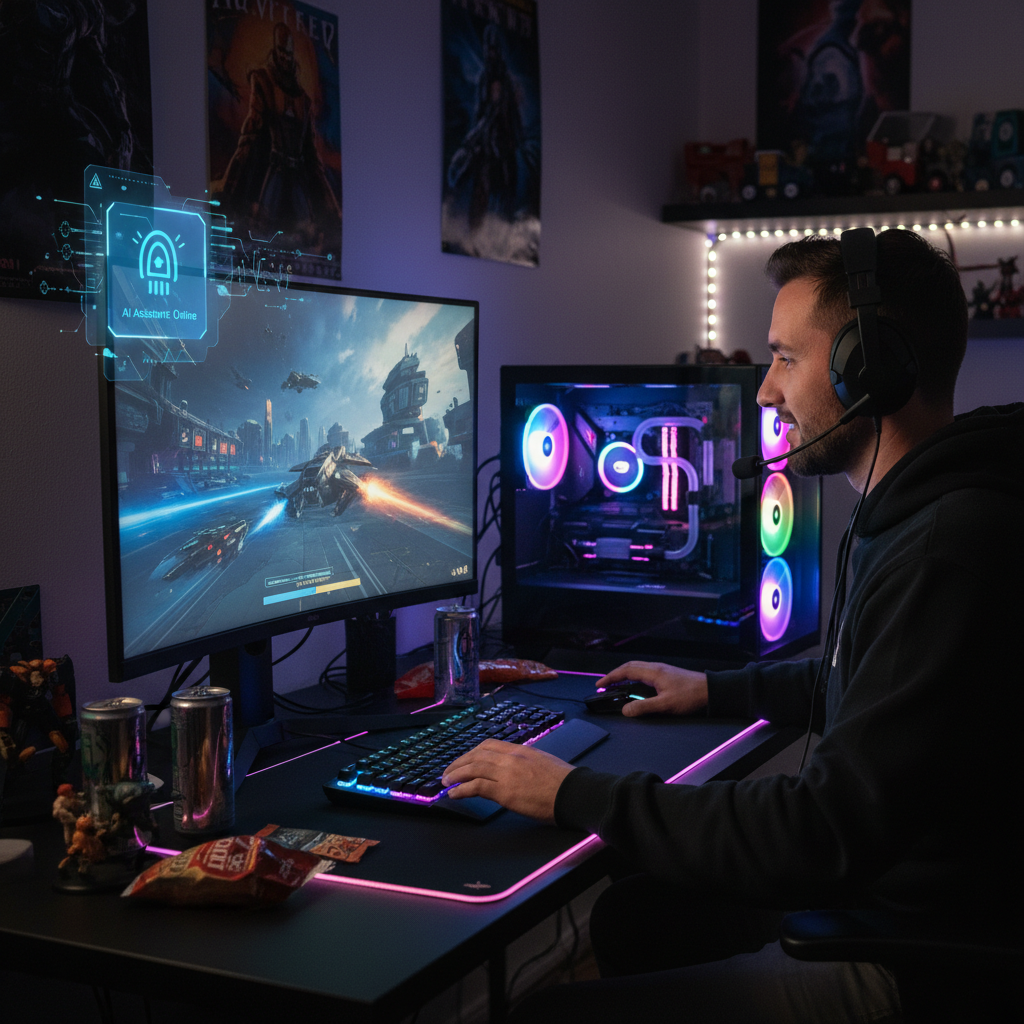
Users who access Nvidia’s desktop application can utilize its on-screen overlay technology to communicate with an AI assistant through text or voice commands, which extends beyond basic system monitoring functions and could transform gamer interactions with their hardware and software. G-Assist introduces a range of intriguing capabilities.
Users have the ability to pose general inquiries, including “What is the functionality of DLSS Frame Generation?” and receive informative responses. The AI possesses the ability to manipulate detailed system-level settings. After enabling G-Assist, players will receive live system analysis reports that include automatically updated data visualizations. The AI system can receive instructions to modify system settings for individual games and enable or disable different system features.
G-Assist enables performance maximization by providing GPU overclocking together with performance gain projections. The public version reveals exciting potential but does not reach the same level of integration seen last year when G-Assist presented direct in-game support.
The degree of integration exists only for a limited selection of games that feature Ark: Survival Evolved. Through third-party plug-in support, Nvidia has expanded G-Assist functionality to enable communication with peripherals from Logitech G, Corsair, MSI, and Nanoleaf, which results in dynamic thermal profile adjustment and synchronized LED lighting capabilities.
Nvidia focuses on desktop AI performance through dedicated GPUs as the PC industry progresses with “AI laptops” coming to the market. Nvidia’s G-Assist operates directly on the user’s machine by utilizing GeForce RTX graphics cards instead of cloud-based processing like many other AI tools.
G-Assist operates through a small language model (SLM) that has been optimized specifically for local use. To install the basic text version of G-Assist, you need 3GB of storage space, while incorporating voice control requires an additional 3.5GB, leading to a total of 6.5GB needed. The GeForce RTX 30 series GPU or newer versions up to the 50 series with at least 12GB VRAM are essential for G-Assist operation.
G-Assist performance improves alongside GPU capability, and plans exist to introduce support for laptop GPUs. Running G-Assist on the GPU locally brings potential advantages such as better privacy and reduced latency, but also encounters certain challenges. GPU utilization rose noticeably when tested with an RTX 4070 while interacting with G-Assist. Running inference requires computational resources, which may disrupt other tasks, especially video gaming. G-Assist processing resulted in an approximate 20% frame rate reduction while Baldur’s Gate 3 ran at maximum settings.
Systems that already face difficulties keeping gameplay smooth may experience worsened performance problems when using G-Assist. G-Assist achieves better performance when not running demanding games, but requires a powerful GPU for continuous operation.
G-Assist demonstrates its trial phase through frequent performance slowdowns and software glitches. Users achieve better results through manual configuration of system and game settings. G-Assist marks an interesting development in harnessing gaming PC AI capabilities.
The potential to run demanding games and complex AI models at the same time becomes increasingly achievable as GPU technology progresses. Nvidia’s current G-Assist demonstration provides an exciting yet flawed preview of potential AI-driven gaming advancements where GPUs will help users interact with games in smarter ways.